
Introduction: Your Business Needs a Home Online
Starting a business today means thinking beyond social media. Instagram, Facebook, LinkedIn, and TikTok can help you reach an audience, but your website gives you a dedicated space to present your work, share your story, showcase your services, and build your professional identity.
Before you start designing pages or publishing blog posts, you need two essential things: a domain name and web hosting.
If you have never built a website before, these terms might sound technical. The good news is that you do not need to be a programmer to get started. With the right tools, a little research, and a clear plan, you can establish your own online presence.
Let’s break down the basics.
1. What Is a Domain Name?
A domain name is your website’s address on the internet. It is what people type into their browser to find you.
For example, my website is:
Your domain name is part of your brand identity. It should be easy to remember, easy to spell, and relevant to your business, professional identity, or creative project.
How to choose a domain name
Before purchasing a domain, consider the following:
- Keep it simple. Choose a name people can remember and type without difficulty.
- Make it relevant. Your domain should connect with your business, brand, or professional identity.
- Think long-term. Choose a name that can grow with you as your services or audience evolve.
- Check availability. Search to see whether your preferred domain is available.
- Consider your extension. A .com domain is a familiar option for many businesses, although other extensions may fit your project.
- Check for conflicts. Before committing to a name, research existing businesses, trademarks, and social media usernames to reduce the risk of confusion or legal disputes.
Your domain is more than an address. It is a digital asset that can become part of your brand recognition.
2. What Is Web Hosting?
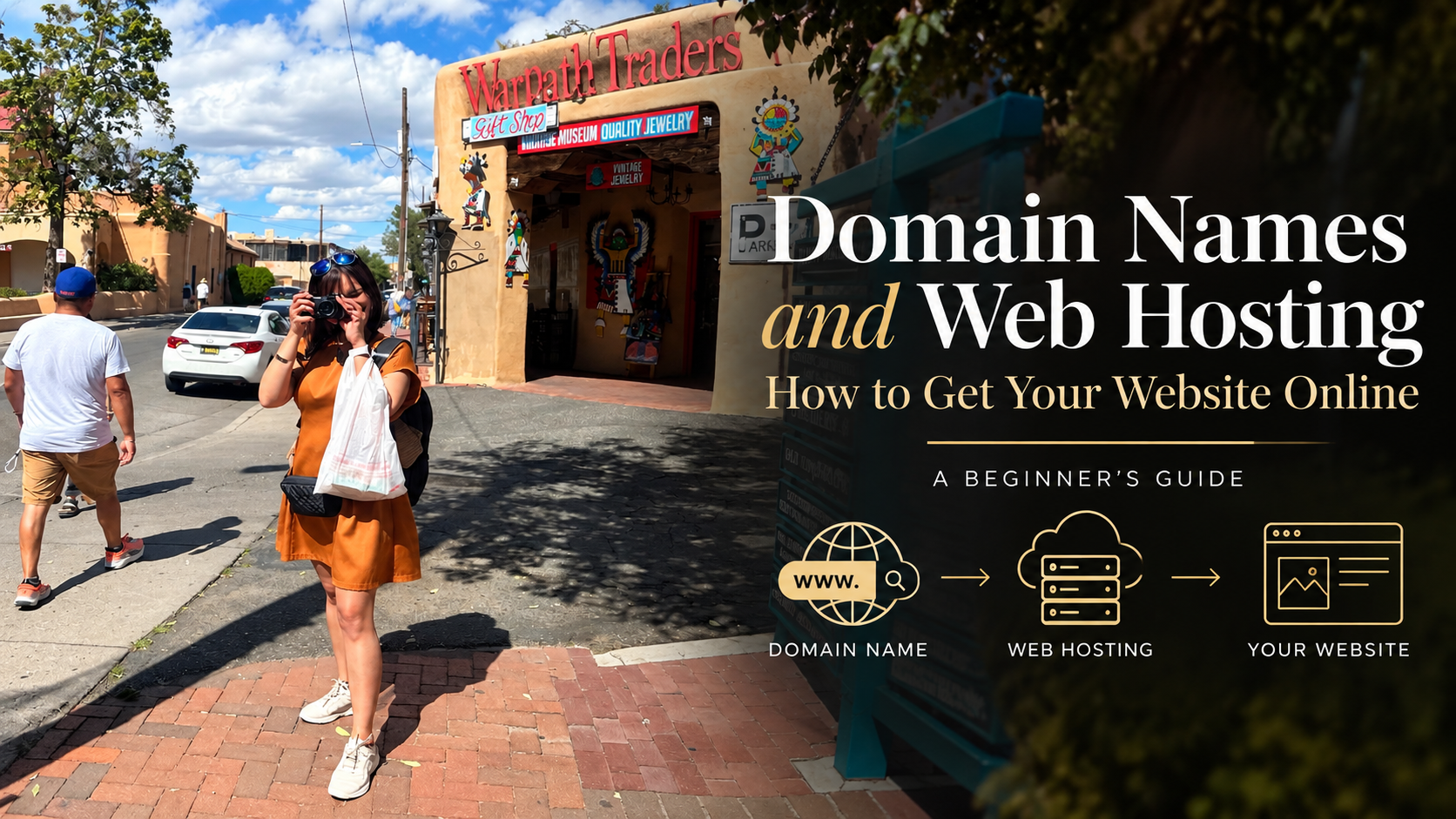
If your domain name is your website’s address, web hosting is the service that stores the files and data needed to make your website available online.
A website needs a place to live. Hosting provides the server resources that allow visitors to access your pages, images, blog posts, and other content through their browsers.
Think of it this way:
- Domain name: Your street address.
- Web hosting: The land and space where your house is built.
- Website: The house itself, including its rooms, design, and contents.
You can purchase your domain and hosting from the same provider or use separate companies. What matters is understanding what you are purchasing and how the services work together.
3. Where Can You Purchase a Domain and Hosting?
Several companies offer domain registration and web hosting. One option I use is GoDaddy.com.
GoDaddy offers domain registration and various hosting products. Depending on your needs, you may be able to manage your domain and hosting services through the same account.
Before purchasing, compare providers based on:
- The introductory price and the renewal price.
- What is included in the hosting plan.
- Storage, performance, and available resources.
- SSL certificate availability and renewal.
- Backup and security features.
- Customer support.
- Email options and additional costs.
- Compatibility with your preferred website platform.
Important: A low introductory price does not necessarily mean a service is the most affordable in the long run. Review the renewal terms and the total cost before making a decision.
You can explore available options at GoDaddy.com.
4. Do You Need a Domain and Hosting Before Building Your Website?
You need a way to publish your website online, but you do not always have to purchase everything before you begin designing.
Some website builders include hosting, and some platforms allow you to build a site before connecting a custom domain. Other setups require you to arrange hosting separately.
If you plan to use WordPress, first identify which version and setup you want to use.
For example:
- WordPress.org: Open-source website software that you can install on compatible hosting. It gives you substantial control over your website, themes, plugins, and content.
- WordPress.com: A hosted website platform with its own plans and features.
These are related but different services. Understanding the distinction will help you choose the right setup.
5. Protect Your Digital Investment
Once you have your domain and hosting, take steps to protect your website.
- Enable two-factor authentication on your account.
- Use a strong, unique password.
- Turn on automatic renewal if appropriate and keep your payment details current.
- Enable HTTPS with a valid SSL/TLS certificate.
- Maintain regular website backups.
- Keep your website software, themes, and plugins updated.
- Use an email address you can reliably access for account recovery and renewal notifications.
Remember that domain registration and hosting are recurring services. If you allow a domain to expire, you could lose control of the address you use for your business.
6. Plan Before You Purchase
Before investing in a website, answer these questions:
- What is the purpose of my website?
- Who do I want to reach?
- Will I publish blog posts, sell products, offer services, or build a portfolio?
- Do I need a professional email address?
- What is my annual budget for the domain, hosting, and additional tools?
- How much time can I dedicate to maintaining the site?
Your answers will help you avoid paying for features you do not need or choosing a platform that cannot support your future plans.
Final Thoughts: Start with the Foundation
Building a website does not have to be overwhelming. Start with a clear purpose, choose a domain that represents your brand, and select hosting that meets your technical and financial needs.
You do not need to build everything in one day. The first step is establishing a solid foundation.
In the next article, we will explore how to choose a website builder, compare your options, and understand why I use GoDaddy for domain-related services and WordPress to build and manage my own website.
Your next step: Identify your website’s purpose, research your domain options, and create a realistic startup budget.
Disclaimer: This article is for educational purposes. Prices, features, and service terms vary by provider and may change. Review the current terms before purchasing.

Until next time, take care and keep shining! 👋🏽✌🏽🐝
Yes, I use AI.
I believe in using the technology and tools available to me to support my creativity, organize ideas, explore possibilities, and bring concepts to life. AI is one of the tools in my toolbox—not a replacement for my experience, perspective, or voice.
Technology continues to evolve. So do we.